

Running a language school on spreadsheets and WhatsApp works for a handful of students. It stops working once you have rolling intakes, students placed at different CEFR levels, group classes running alongside private lessons, and learners logging in from three time zones. At that point, generic scheduling tools and K-12 school software both start to fight you instead of helping you. You need something simple, purpose-built, and easy to run.
Language school management software is supposed to handle the operational layer (scheduling, billing, enrollment, communication) so you can focus on teaching. But most platforms in this category were built for something else first: one-to-one tutoring, K-12 admissions, or general appointment booking. Very few were designed around how a language school actually runs. This guide compares the best language school management software in 2026: which platforms are genuinely simple and easy to run, what each one does well, and who it's built for.
What to Look For in Language School Management Software
Before comparing platforms, it's worth knowing which features actually matter for a language school specifically, as opposed to a generic class or tutoring business.

1. Rolling enrollment and level placement
Language schools rarely run on a single September start date. Students join mid-term, need placement testing, and have to slot into a class at the right level rather than the next available year group. Look for software that supports pro-rated billing for a mid-term join and lets you organize classes by proficiency level rather than a fixed academic calendar.
2. Group and one-on-one scheduling in the same system
Most language schools run both group classes and private lessons, often with the same teachers. Your software should handle group class capacity limits alongside one-on-one booking, without needing two separate tools or a workaround.
3. Time zone support for online and international students
A meaningful share of language school students study online, from a different country than the school is based in. If the platform doesn't show each student their class time in their own time zone, you get missed classes and refund requests. This is one of the clearest ways to tell whether a platform was actually built for language schools or adapted from something else.
4. Billing that fits packages and families
Language courses are often sold as packages (a 10-lesson block, a term, an intensive course) rather than a flat monthly fee. Look for software that tracks package consumption automatically, handles family billing when multiple students share an account, and processes international payments without punitive card surcharges.
5. Communication and attendance tracking
Automated reminders reduce no-shows meaningfully in any class-based business, but they matter more in language schools, where a missed session in a sequential curriculum is harder to make up than a missed drop-in fitness class. Attendance tracking that ties back to course progress is worth prioritizing.
6. Support for online and blended delivery
If any portion of your teaching happens over video, check whether the platform includes a virtual classroom or integrates cleanly with one. Bolting together a scheduling tool, a separate video platform, and a separate payment processor creates exactly the kind of admin overhead this software is supposed to remove.
The Best Language School Management Software in 2026
Our top pick: Classcard. It handles rolling and term-based enrollment, level-grouped classes, and multi-student parent communication in one platform - designed for structured language programs rather than generic appointment-booking tools.
1. Classcard
Classcard is all-in-one class management software built for education businesses that need scheduling, billing, and enrollment at a flat monthly rate, regardless of how many students or classes you're running. For language schools, that flat-rate model matters because course loads are seasonal; a school running a busy intensive summer term and a quieter autumn term isn't penalized for the swing in enrollment the way it would be on a per-student or per-lesson platform.
What it does well: Classcard handles group and one-on-one scheduling in the same calendar, with self-service online booking so students can book directly into the right class without emailing the office. Membership and package billing automatically reconciles against sessions attended, so a 10-lesson package or a termly course draws down correctly as classes happen, and recurring invoices go out on a set schedule with built-in payment retries.
Communication tools cover automated class reminders, segmented email campaigns, and an AI-native WhatsApp integration, which matter for a language school whose prospective students often message first rather than emailing or filling out a form. AI assistance and reporting dashboards help schools running multiple levels and start dates at once keep track of which classes are filling and which invoices are outstanding without pulling a manual report. The course-selling feature lets you package pre-recorded materials, worksheets, and resources alongside live classes, useful for schools running blended programs. A branded student app gives learners one place to see their schedule, resources, invoices, and progress.
Pricing: Starts at $99 per month, with unlimited staff and students on every plan. The Growth and Business plans unlock additional features like AI assistance, automations, and accounting and payment integrations. Annual plans offer a 'pay for 10 months, get 2 months free' incentive. See the current Classcard pricing for the full breakdown.
Best for: Language schools running a mix of group and private classes who want predictable, flat-rate pricing regardless of enrollment swings across terms. Particularly strong for schools selling course packages and running blended online/in-person programs.
Consider something else if: You teach almost exclusively live online and need a built-in virtual classroom rather than an integration, or you're a solo tutor with a handful of students and want to start on a free tier first.
2. Teach 'n Go
Teach 'n Go is one of the few platforms built specifically around language school operations rather than adapted from a K-12 or general tutoring product. It supports 24 interface languages and organizes classes by proficiency level rather than year group.
What it does well: The standout feature is rolling enrollment with pro-rata billing: a student joining in week six of a twelve-week course is billed only for the lessons they'll actually take, calculated automatically rather than built by hand. Class capacity is enforced with a hard limit so group classes can't be over-enrolled past their optimum size. Every student sees their class schedule converted into their own time zone, which matters for schools teaching across borders.
Teach 'n Go doesn't add a surcharge on top of your payment processor's own card rates, which is a meaningful difference for schools with a lot of international students paying by card. A public registration page lets students enroll and pay directly from the school's website at any hour, without an administrator in the loop.
Pricing: Starts at roughly $75/month (€69) for up to 100 active students, with all features included at that tier. A 14-day free trial is available with no credit card required.
Best for: Language schools that want software purpose-built around rolling intakes, CEFR-style level grouping, and cross-border, multi-timezone teaching.
Consider something else if: You need a large built-in feature set beyond scheduling and billing, such as an integrated virtual classroom or advanced marketing automation. Teach 'n Go is intentionally focused on the operational core.
3. Teachworks
.png)
Teachworks is a tutoring and language school management platform with a dedicated feature set for language schools, including predefined student groups for fast group-class scheduling and support for individual student time zones.
What it does well: Teachworks covers scheduling, invoicing, payroll, and website booking in one system. Predefined student groups make it fast to schedule the same cohort into a recurring class slot without re-adding each student individually. Website booking widgets let prospective students register for a course directly from your site. Payroll reporting handles multiple teachers on different pay structures, which is useful for schools with a mix of salaried and freelance teachers.
Pricing: Starter plan is $15/month plus $0.25 per student lesson. A Growth tier is $45/month plus $0.15 per student lesson, and a Premium tier is $175/month plus $0.05 per student lesson. The per-lesson fee drops as you move up tiers, but it's worth running your own numbers: a class of twelve students meeting twice a week generates 24 billable student-lessons a week on top of the base subscription, which adds up quickly for schools that teach mostly in groups.
Best for: Schools running mostly one-on-one or small-group lessons, where the per-student-lesson cost stays manageable, and that want mature payroll and multi-teacher support.
Consider something else if: You run large group classes. Per-student-lesson pricing charges once per student in every session, so a class of twelve costs the same as twelve separate one-on-one lessons,- exactly the model that penalizes group teaching, which is how most language schools actually operate.
4. TutorBase

TutorBase is built for tutoring centers and language schools that want scheduling, billing, and payroll in one platform without a flat monthly subscription. Instead, it charges 1% of the invoices processed through the platform, with no per-student fees.
What it does well: Lessons flow directly into invoices as line items once a session is logged, removing manual billing entirely. The payroll module generates accurate reports and self-billing invoices for teachers on different compensation structures (hourly, per-lesson, or revenue share) which is useful for language schools that mix salaried staff with contract teachers. A CRM-style lead pipeline captures inquiries and tracks them through to enrollment, and WhatsApp integration matters for schools whose prospective students often reach out that way first.
Pricing: 1% of invoices processed through the platform. No monthly subscription and no per-student fees. In practice, most small-to-mid-sized language schools pay somewhere between $30 and $150 a month depending on invoice volume. Free to start, no credit card required.
Best for: Language schools with variable or seasonal enrollment that don't want to pay a flat fee during slower terms, and schools that need built-in payroll for a mix of staff types.
Consider something else if: You run high invoice volume consistently. At scale, a 1% cut can exceed what a flat-fee platform like Classcard or Teach 'n Go would cost - worth modeling against your actual monthly invoicing before committing.
5. LearnCube

LearnCube is virtual classroom software built specifically for online language teaching, with an "Online School" tier that adds scheduling, payments, and student management around the classroom itself.
What it does well: The virtual classroom is the strongest part of the product: an interactive whiteboard, reliable video and audio, and instant access to saved lesson materials during class, with automated note-taking after each session. For schools teaching entirely online, having the classroom, scheduling, and billing under one login removes the friction of stitching together Zoom, a separate booking tool, and a separate payment processor. Role permissions let you manage teachers and admins separately, and self-booking flows let students book directly.
Pricing: Not published. LearnCube's standalone virtual classroom has a free signup tier; the full Online School solution is quoted directly based on school size. A 14-day free trial is available.
Best for: Language schools teaching entirely or mostly online, where the quality of the video classroom itself is the deciding factor rather than scheduling and billing features alone.
Consider something else if: You run in-person classes, or most of your online teaching happens over an existing tool like Zoom and what you actually need is scheduling and billing rather than another classroom.
6. TutorCruncher
.png)
TutorCruncher is a general tutoring and education business management platform used by some language schools, particularly those that place freelance teachers with clients or run an agency-style model.
What it does well: TutorCruncher tracks student contact details, lesson history, and cancellation policies in one place, and its payroll and self-invoicing features are well regarded among freelance teachers who bill schools for lessons taught. Unlimited users and lessons are included even on the entry plan, which keeps costs predictable as a school grows its teacher roster.
Pricing: A "Pay as you go" plan starts at $30/month, and a Startup plan is $80/month, both flat-rate with unlimited users and lessons. Enterprise pricing is custom. Card processing runs 2.3%–3.85% depending on region and plan, with an additional 1.5% surcharge on international cards - worth checking closely if a meaningful share of your students pay from abroad.
Best for: Language schools or teacher-placement agencies that need solid payroll and self-invoicing for a roster of freelance teachers.
Consider something else if: You have a lot of international students paying by card. The international card surcharge is a real added cost that flat-processing-rate platforms don't charge.
Quick Comparison
How to Choose the Right Platform
1. Match the pricing model to how you actually teach
If your school runs mostly group classes, per-student-lesson pricing like Teachworks' entry tier gets expensive fast - a class of twelve generates twelve billable lessons for one teaching hour. Flat-rate platforms like Classcard and Teach 'n Go, or percentage-based platforms like TutorBase, don't punish group teaching the same way. Run your actual numbers, not the headline price, before deciding.
2. Weigh flat-rate predictability against usage-based flexibility
A flat monthly fee is easier to budget but doesn't flex with a slow term. A usage-based model like TutorBase's 1% of invoices costs less when enrollment dips but can cost more at high volume. Neither is universally better, it depends on how seasonal your enrollment is.
3. Decide how central video teaching is to your business
If most of your teaching happens over video, a platform with a genuinely strong virtual classroom, like LearnCube, may be worth prioritizing over a platform with slightly stronger scheduling but a bolted-on video integration. If video is a minority of your classes, an all-in-one platform with a solid Zoom or Lessonspace integration, like Classcard, is usually the simpler choice.
4. Test rolling enrollment and level placement specifically
Most demos default to showing you scheduling and billing for a student who joins on day one. Ask specifically to see a student join in week six and get billed and placed correctly; that's the workflow that separates language-school-specific software from general tutoring or K-12 tools wearing a language school label.
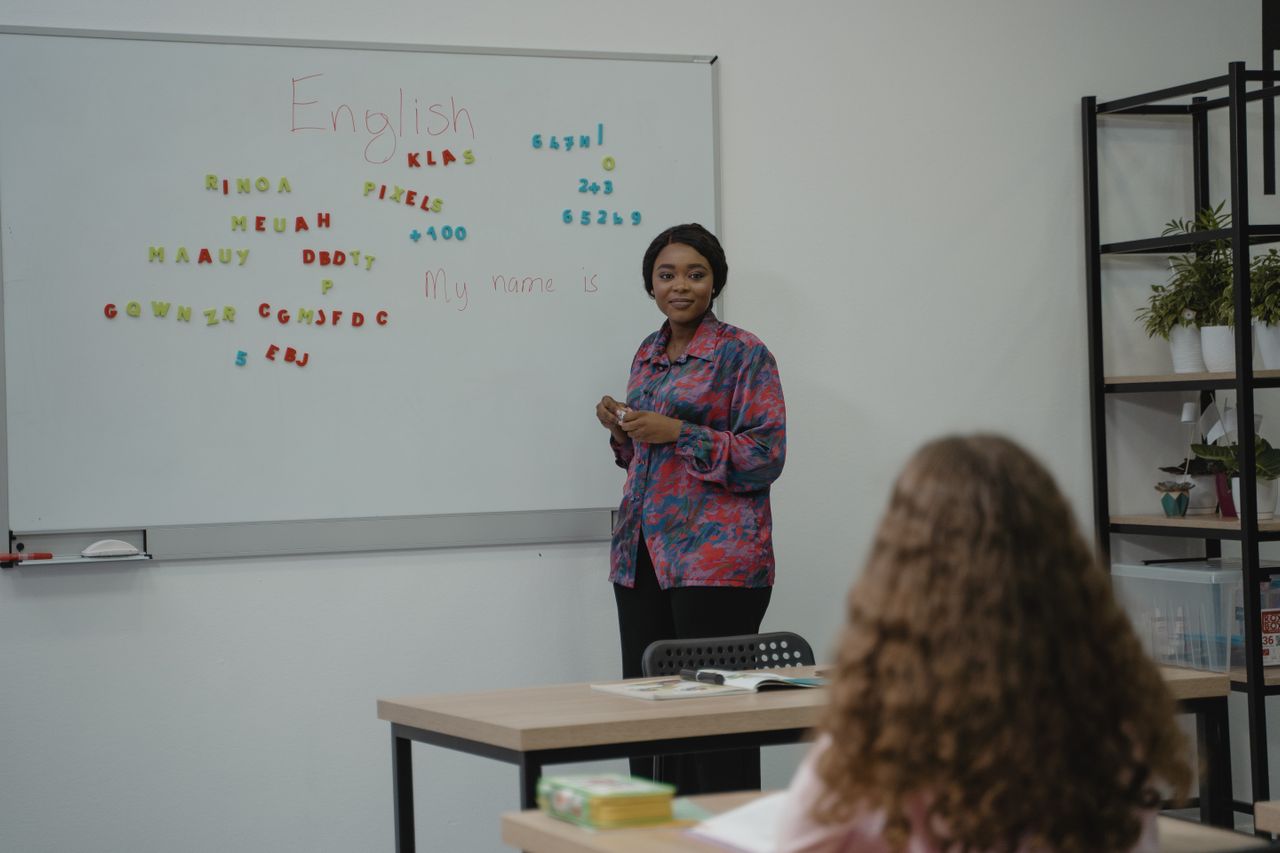
The right software for a language school depends heavily on how your classes are structured and how your enrollment moves through the year. A school running steady group classes at predictable levels gets the most value from flat-rate, all-in-one platforms like Classcard, where scheduling, billing, packages, and communication live in one place without per-student costs punishing a full classroom. A school running mostly private lessons through freelance teachers may lean toward Teachworks or TutorCruncher for their payroll depth, and a fully online school may prioritize LearnCube's classroom quality above everything else.
If your language school runs group and private classes side by side, sells course packages, and needs billing that doesn't get more expensive every time a class fills up, Classcard is built for exactly that operational shape. Book a free demo to see it running with your own course structure, or try it free for 7 days - no credit card required.
Frequently Asked Questions
What is the best software for a small language school just starting out?
Classcard's Starter plan at $99/month or Teach 'n Go's entry tier at roughly $75/month both cover scheduling, billing, and enrollment without per-student fees, which matters most while you're still building enrollment. TutorBase is worth considering too if you'd rather pay a percentage of invoices than a flat fee while your student count is still low.
Does language school software handle different proficiency levels?
Purpose-built platforms like Teach 'n Go let you organize classes around proficiency levels (A1 through C2) rather than forcing them into a K-12 year-group structure. Classcard supports custom class categories and levels as well, though it isn't CEFR-labeled out of the box. Generic scheduling tools and most K-12-oriented school software handle this poorly or not at all.
Can this software handle students in different time zones?
Teach 'n Go and Teachworks both support per-user time zones natively, so an online student sees their class time correctly regardless of where the school is based. This is worth testing directly in a demo, since some platforms display everything in the school's own time zone by default, which causes missed classes for international students.
Is per-student pricing or flat-rate pricing better for a language school?
It depends on your class structure. Per-student-lesson pricing (like Teachworks' entry tier) is manageable for schools running mostly one-on-one lessons but gets expensive fast for group classes, since every seat in a class counts as a billable lesson. Flat-rate pricing (Classcard, Teach 'n Go) or percentage-of-invoice pricing (TutorBase) tends to suit language schools better, since most teach in groups.
What software works best for a fully online language school?
LearnCube is the strongest option if the virtual classroom itself is the priority. Its whiteboard, video, and lesson materials are purpose-built for live online language teaching. If you need strong scheduling and billing alongside a solid video integration rather than a standalone classroom product, Classcard's Zoom and Lessonspace integrations cover that need without adding a second platform.
How much does language school management software typically cost?
Flat-rate platforms range from roughly $75 to $99/month at the entry tier for a small school, scaling up with automation and staff features. Usage-based platforms like TutorBase typically land between $30 and $150/month depending on invoice volume. Per-student-lesson platforms like Teachworks can start cheaper on paper but cost more in practice for schools running full group classes. Always model your own numbers rather than comparing headline prices.